How it works
Six steps, one side panel.
RightLeftAndCenter is a Chrome extension. It sits in Chrome’s side panel, beside the article you are reading. Every picture on this page is a real capture of the extension.
-
01
Open an article
Open an article on a supported publication, as you normally would. RightLeftAndCenter works on supported publications only, and you need your own access to the publication.
-
02
Open RLC in the side panel
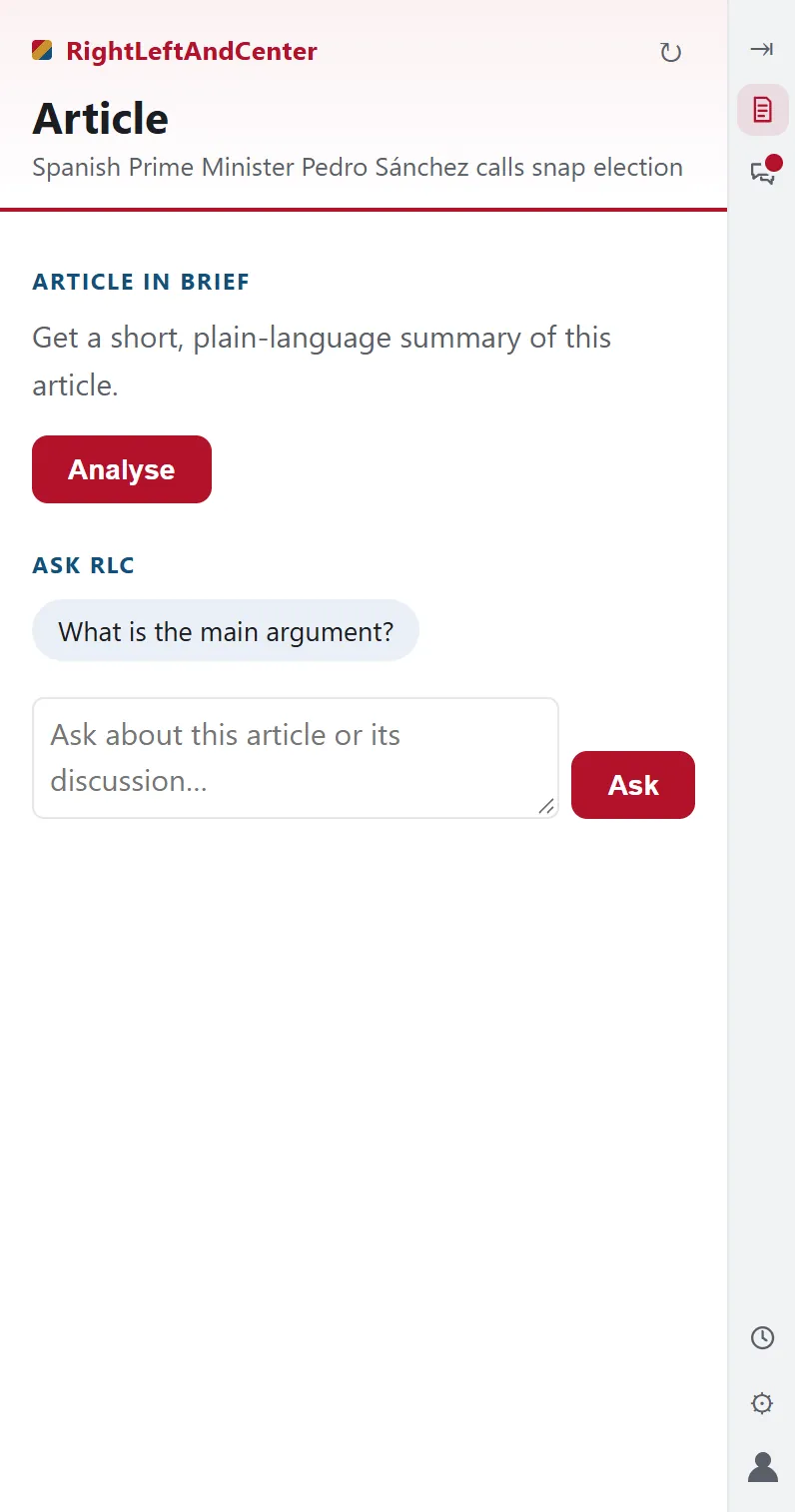
Click the RLC button on the article, or the RLC icon in Chrome’s toolbar. The side panel opens beside the page, not on top of it, and the analysis starts with that one click.
The first time you use a publication, Chrome asks you to allow RightLeftAndCenter to read that publication’s article pages (and its comment service, where it has one).
-
03
Read the article in brief
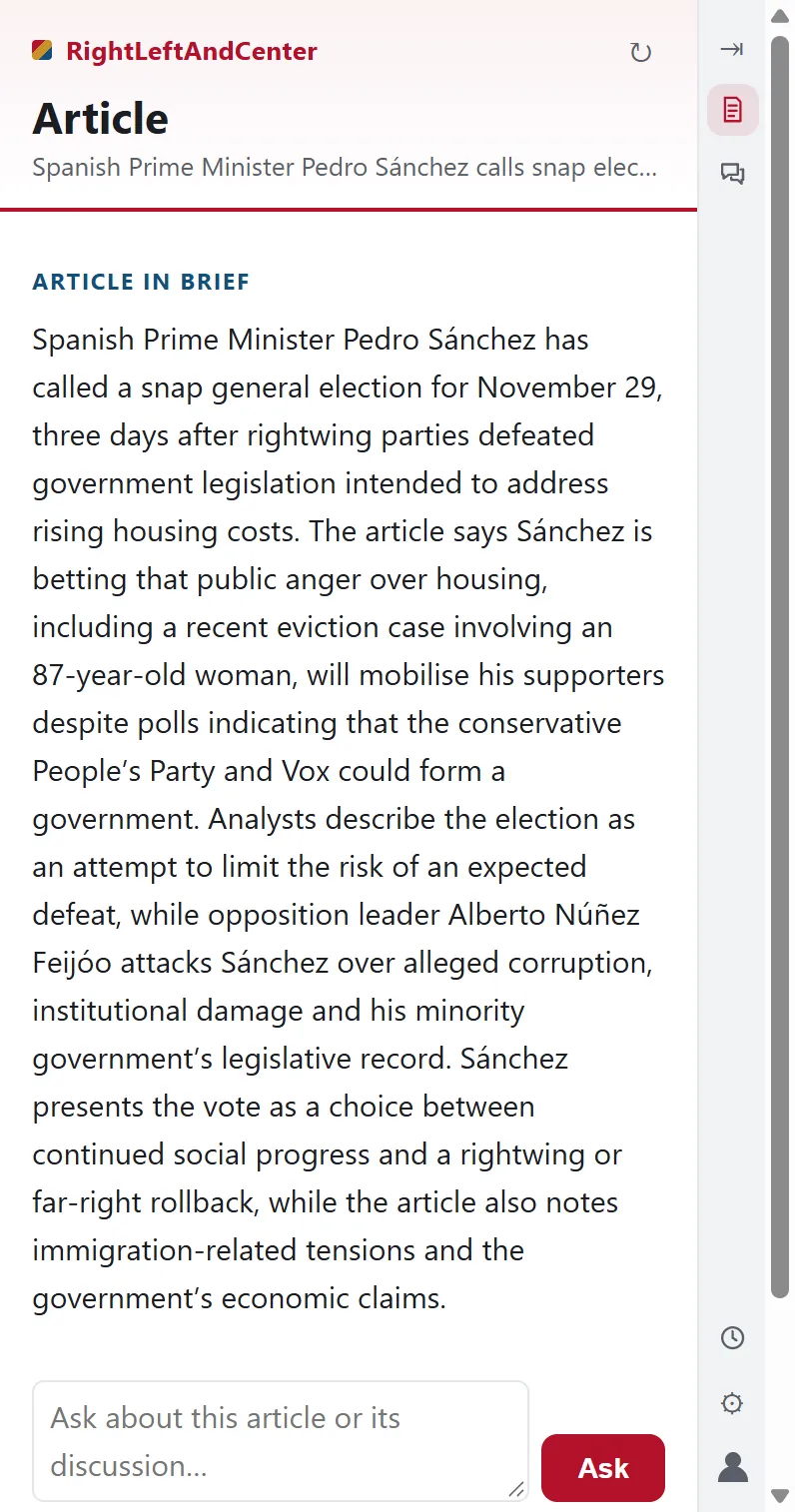
The article in brief comes first. Article analysis works on its own: it never waits for the discussion, and it is there whether or not the article has one.
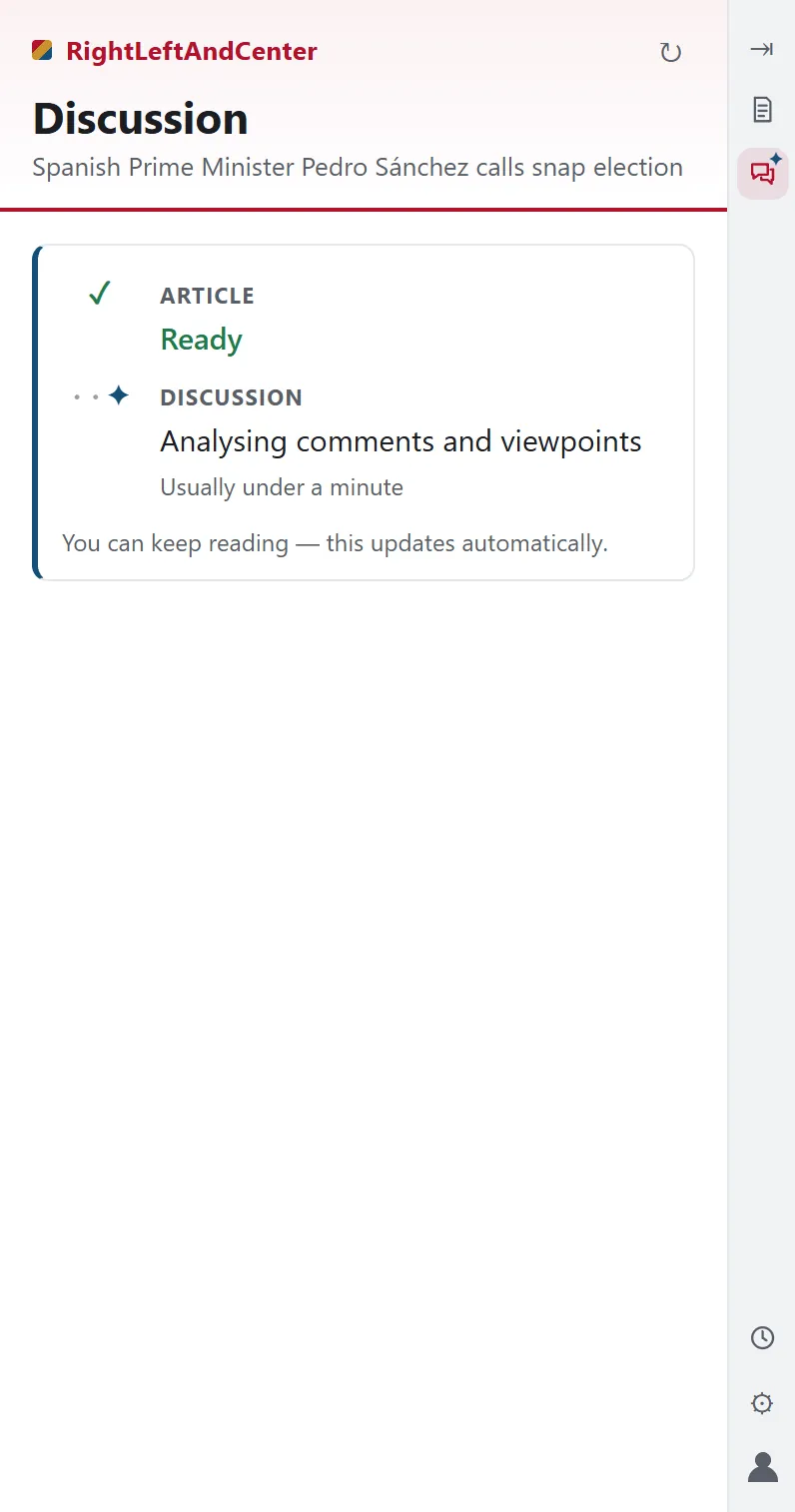
While RLC works, the panel says what it is doing, and tells you if something is taking longer than usual.
-
04
Where there is one, the discussion
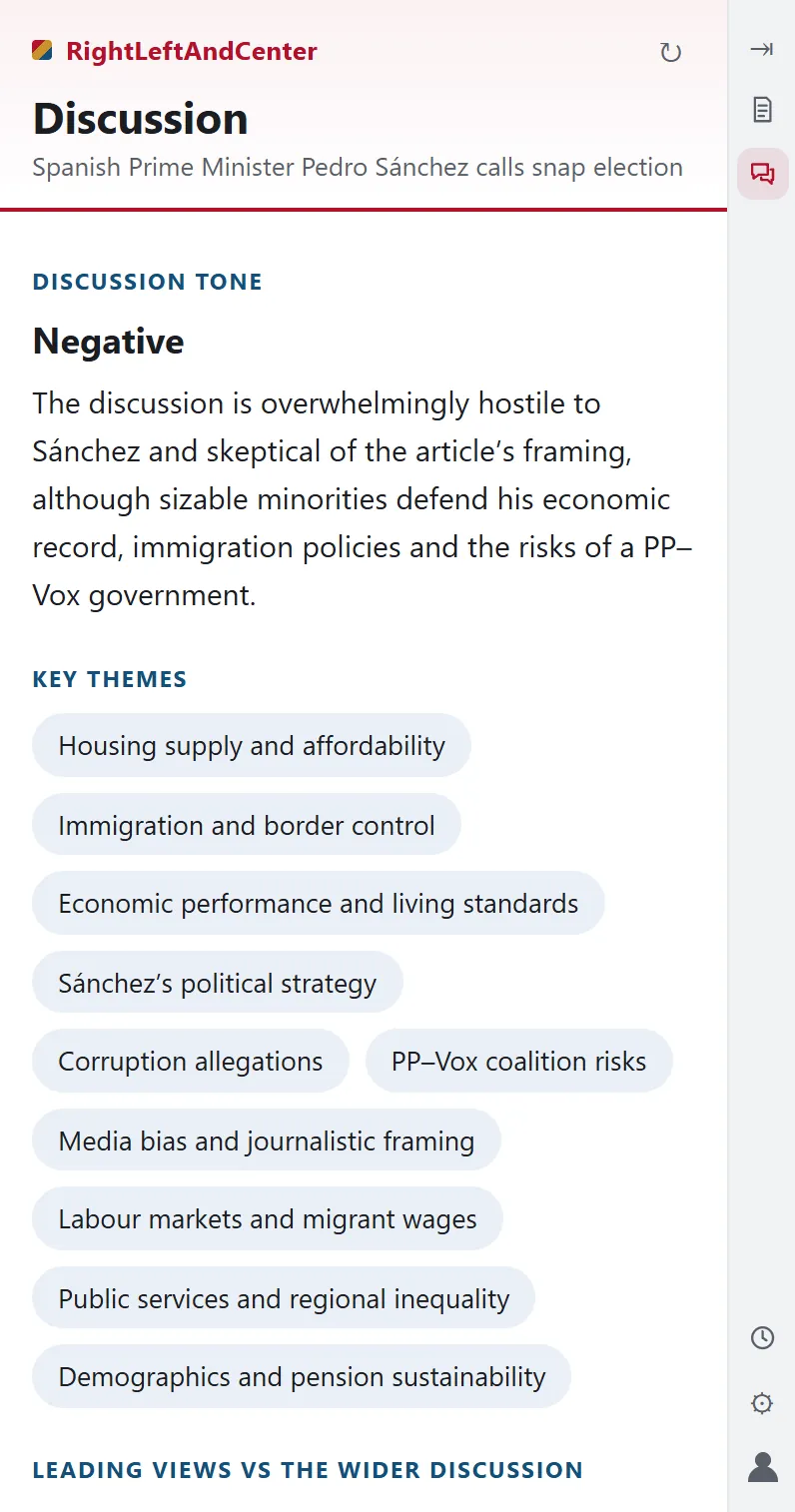
If the article has a reader discussion, RLC reads all of it and maps it: the discussion’s tone, key themes, leading views against the wider discussion, what the discussion adds, the main disagreements and less common perspectives.
Insights are paraphrased. RLC never shows individual comments or who wrote them. Not every article has a discussion — when there isn’t one, the Article surface is unaffected.
-
05
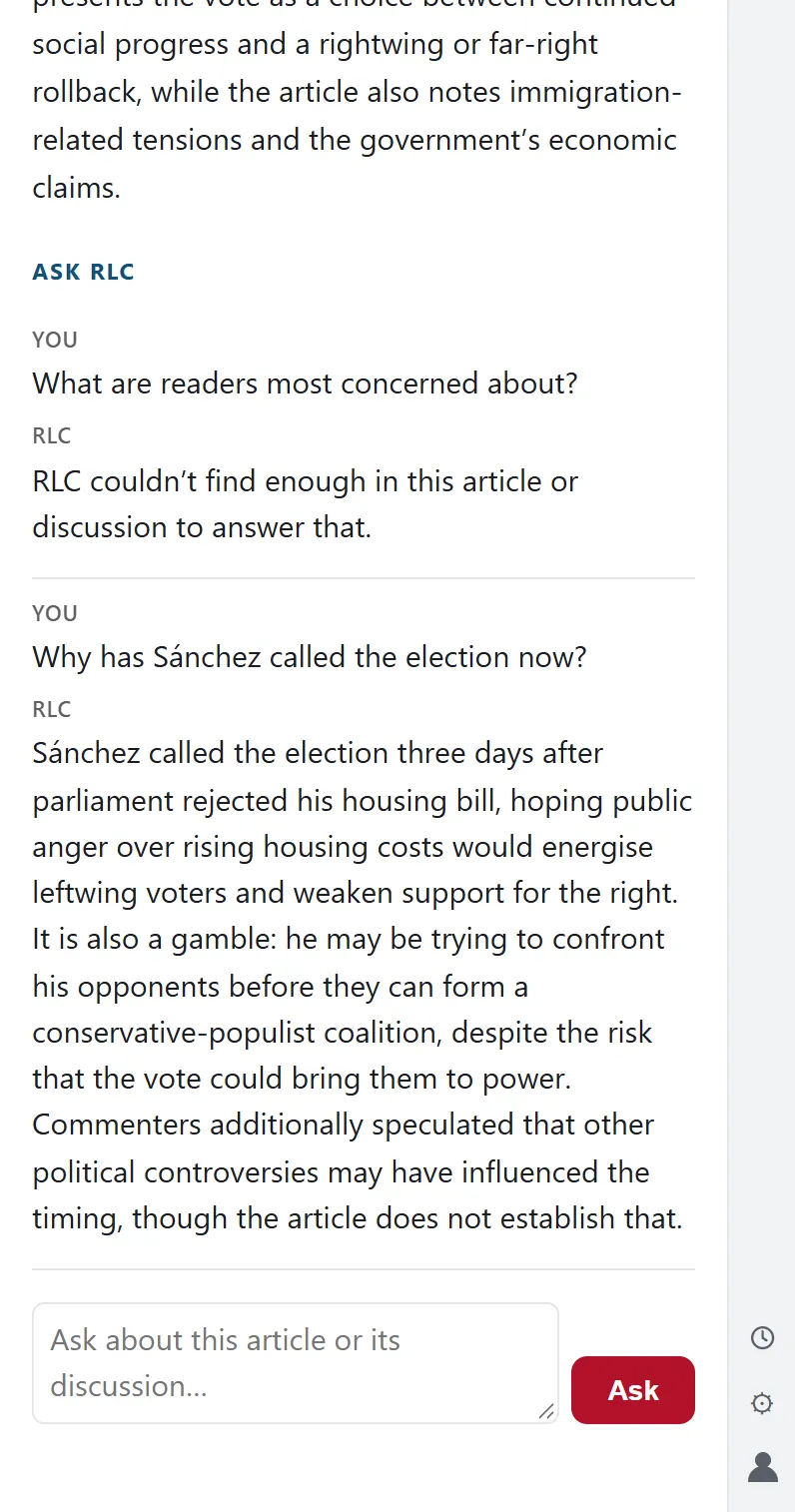
Ask RLC your own question
Ask about whatever matters to you. Answers are grounded in the article and, when it is shown, its discussion. If the material doesn’t support an answer, RLC says so.
-
06
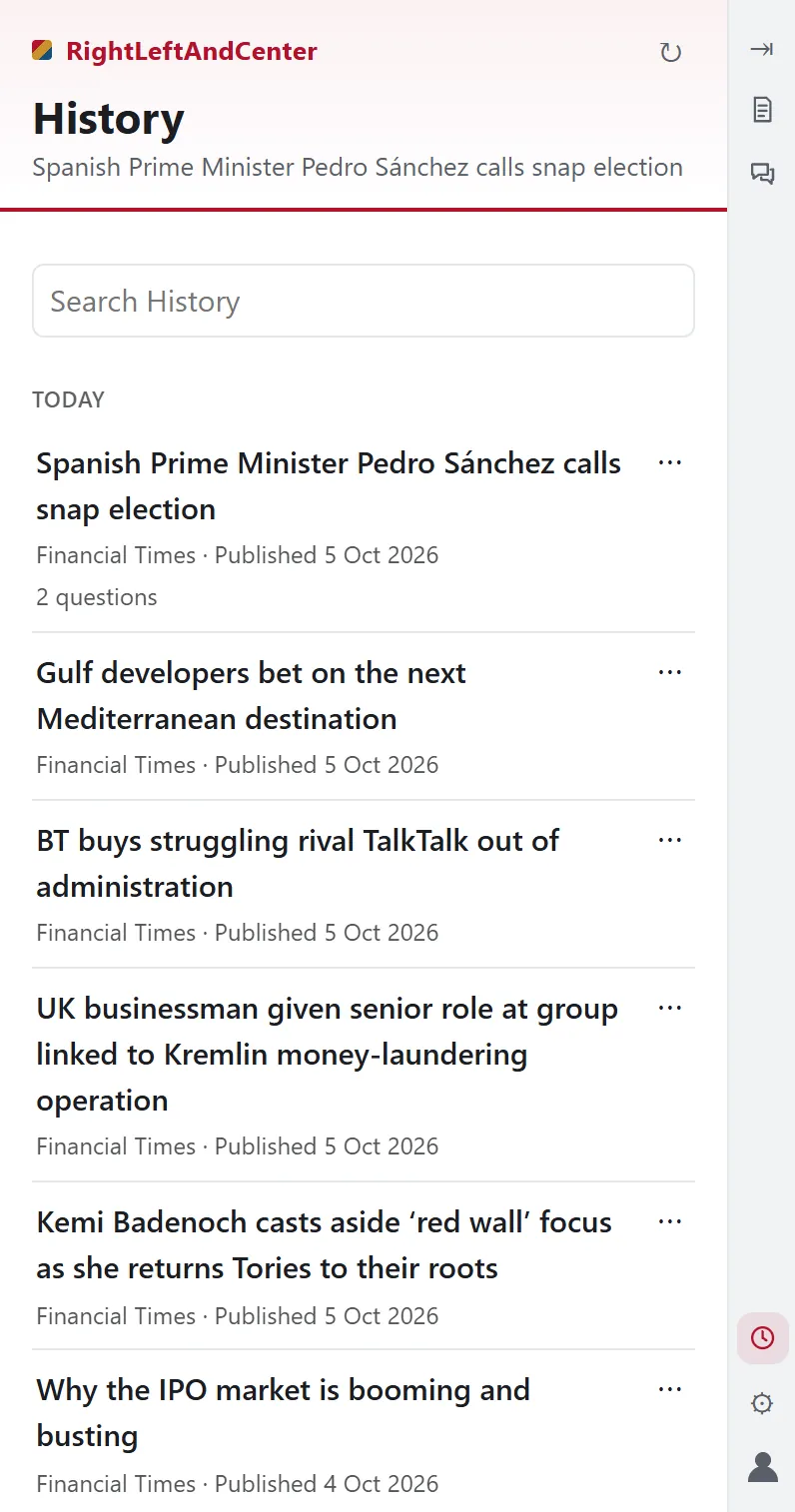
Return from History
The articles and questions you have explored are kept in History, so you can return to them later. You can remove any article from your History.
Where the AI comes in
RLC uses AI to organise and explain the article and, where there is one, its discussion: it writes the brief, finds the themes, disagreements and less common views, and answers your questions from the same material. It does not rate truth, score anyone’s politics or decide what you should think. Briefs, insights and answers are generated automatically and can be incomplete or wrong, so the original article is always one glance away.